
Join our Maxhaust Community and get 10% on your first order!
Join our Community and get 10% off your first order!

Join the Maxhaust Community and unlock our 10% community discount for your next order!
Join our Maxhaust community for exclusive updates, product launches, and all things sound. Don’t miss out on the latest innovations and insider news! Sign up now to receive your personal discount code.
BLACK BEAST FRIDAY COMMUNITY BONUS
NOV 17TH – DEC 1ST
Up to 18% on Maxhaust Bundles — plus get FREE SHIPPING when you join the Maxhaust Community!
Join our Maxhaust community for exclusive updates, product launches, and all things sound. Don’t miss out on the latest innovations and insider news! Sign up now to receive our code to activate free shipping.
Join the Maxhaust Community
and get 10% on your first order!
Join our Maxhaust community for exclusive updates, product launches, and all things sound. Don’t miss out on the latest innovations and insider news! Sign up now to receive your personal discount code.
Unfortunately your car is currently not listed in our database. But no worries our system is compatible with almost any car. Please send us a quote so we can check if your car would be compatible
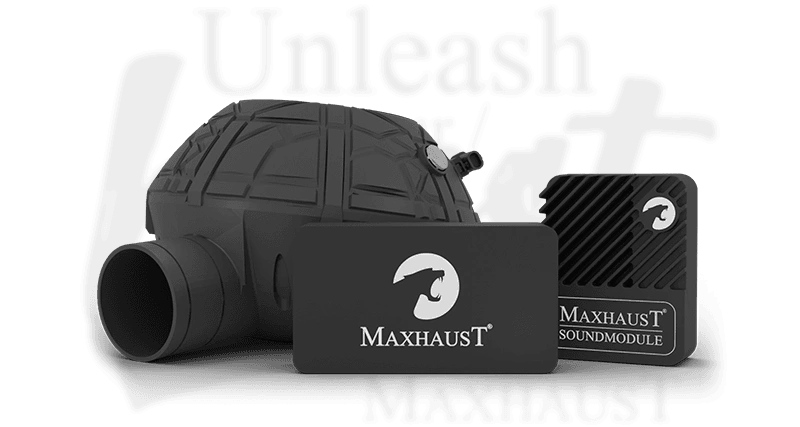
This comprehensive guide provides step-by-step instructions for the assembly and configuration of the MAXHAUST Bridge(v4) and Active Sound system. Our goal is to ensure a seamless installation process, allowing you to unlock the full potential of your digital exhaust system with ease.
Whether you are a first-time user or a seasoned enthusiast, these instructions cover hardware integration and software synchronization. By following this tutorial, you will correctly connect your Bridge(v4) to your vehicle's existing infrastructure, ensuring optimal performance and reliable sound output.
The Bridge(v4) acts as the central command unit for your Active Sound system, requiring precise assembly to function correctly. Proper wiring ensures that the digital exhaust signals communicate effectively with your vehicle’s onboard systems without interference.
Begin by identifying the primary power and data ports on the Bridge(v4) module. Secure all connections firmly, ensuring that the wiring harness is routed away from high-heat components to prevent damage and maintain long-term signal integrity during operation.
Once the hardware is installed, the MAXHAUST mobile application allows you to tailor your engine's acoustic profile to your personal preferences. This interface provides granular control over sound frequency, volume, and character, enabling a truly personalized driving experience.
Within the app settings, you can save multiple presets, allowing you to switch between subtle engine tones for daily commuting and aggressive, futuristic sounds for performance driving. Ensure your smartphone is connected via Bluetooth to the Bridge(v4) to apply these adjustments in real-time.